
 Galaxy CasinoGUIDE 06
Missions & events
Complete missions and explore collection and seasonal event rewards.
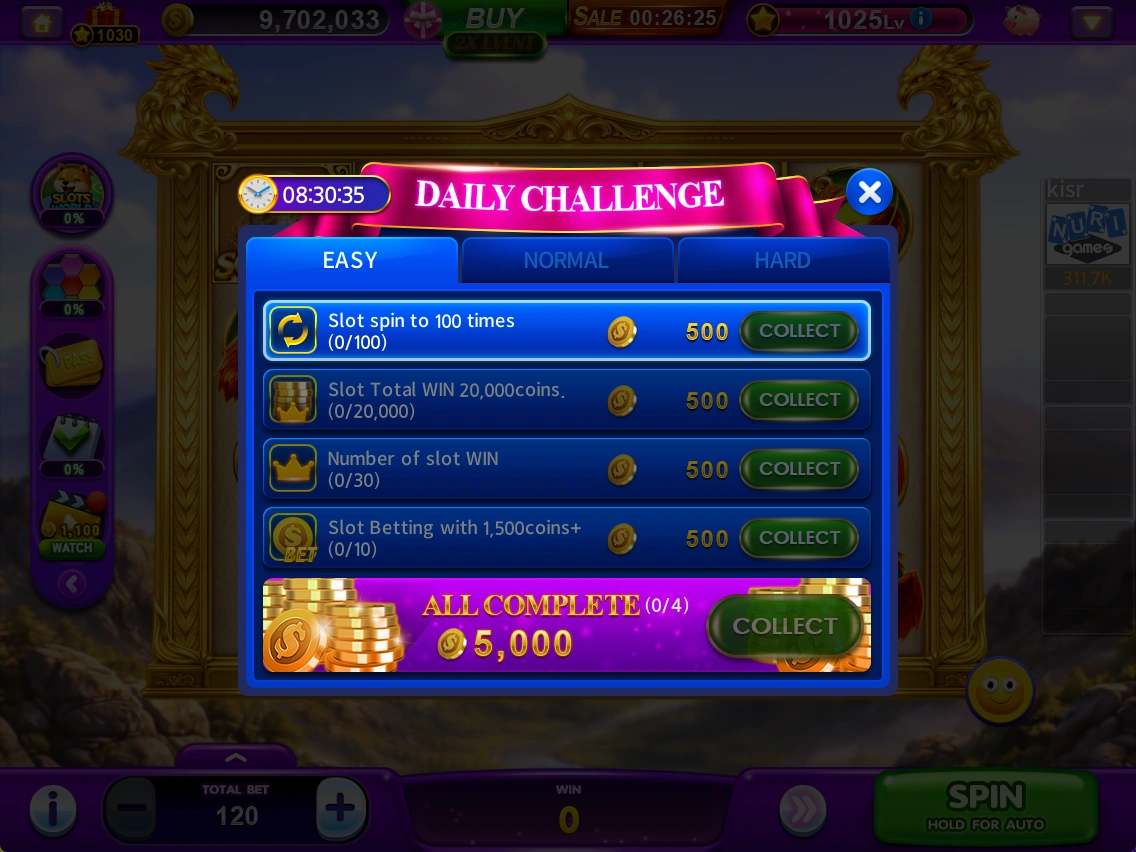
Daily Challenge
Earn extra chips by completing goals such as spin counts or wins.
- Check the EASY, NORMAL and HARD goals, progress and time remaining.
- Meet a goal and claim its reward when COLLECT becomes available.
- Also check ALL COMPLETE, the reward for completing all goals. Missions refresh daily.
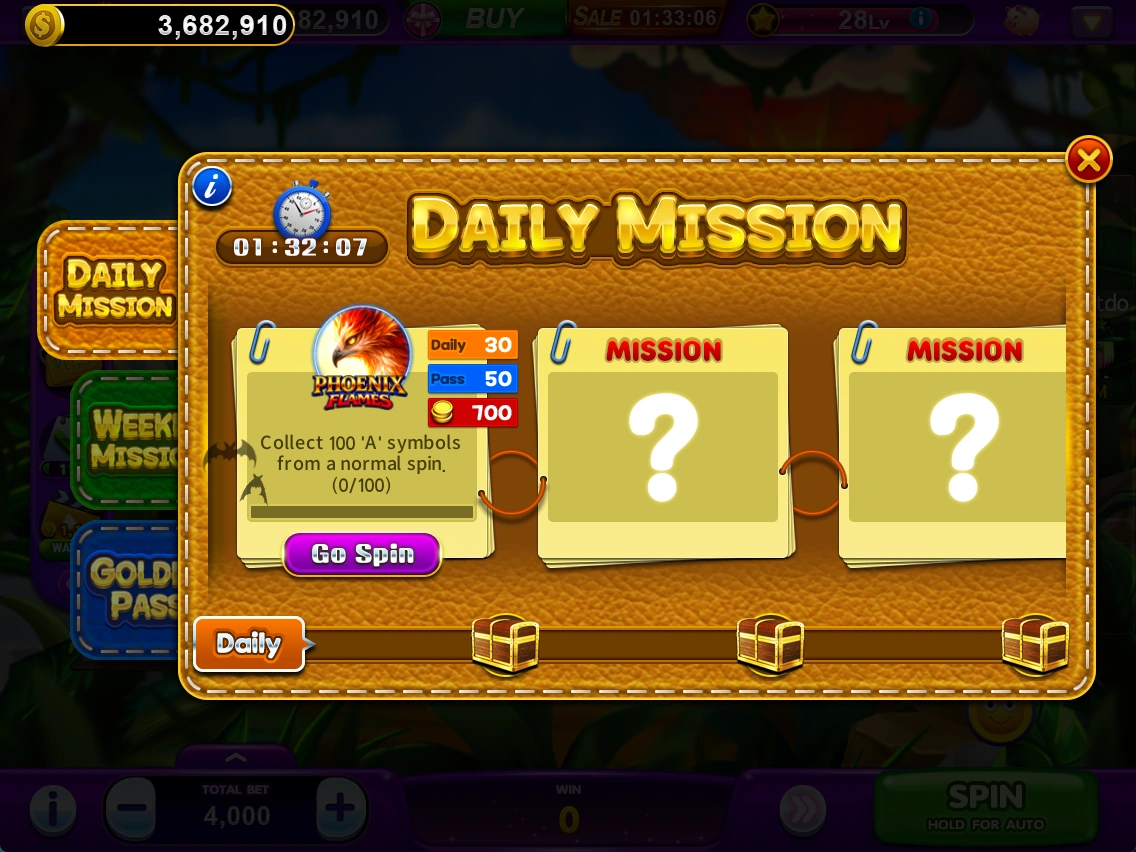
Golden Pass & missions
Check goals and progress for daily missions, weekly missions and Golden Pass.
- Choose DAILY MISSION, WEEKLY MISSION or GOLDEN PASS.
- Read the mission requirements and play the relevant game.
- Check your progress and claimable rewards. Review purchase conditions for paid items.
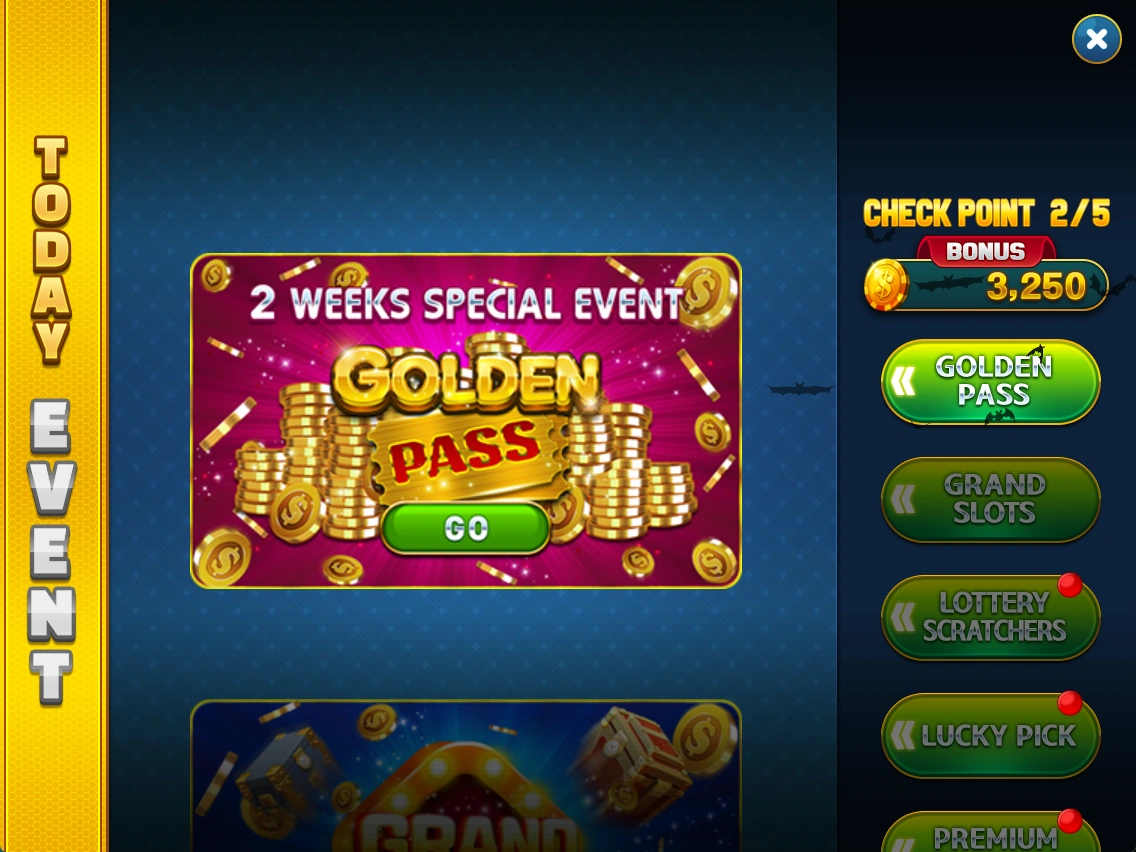
Current events
View today's available events and related menus in one place.
- Select an item to check its event.
- Use GO or the event button to see participation requirements and rewards.
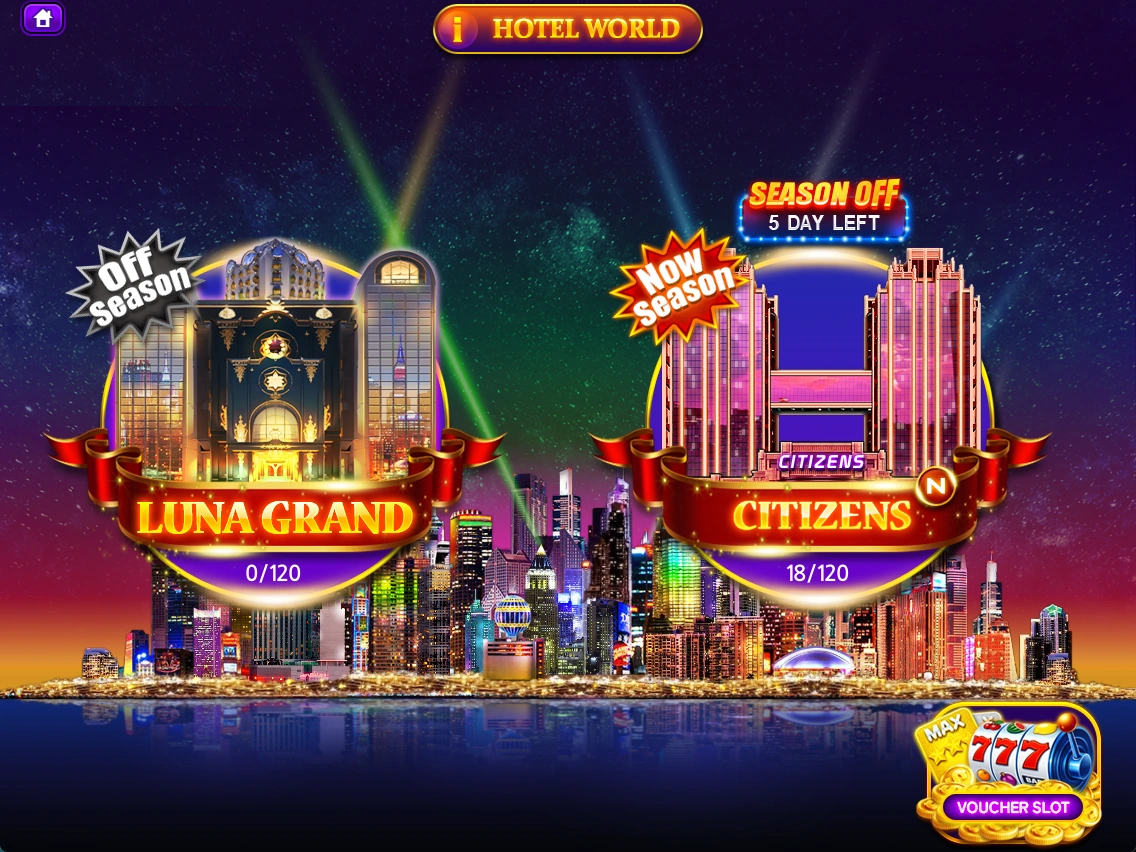
Collections & vouchers
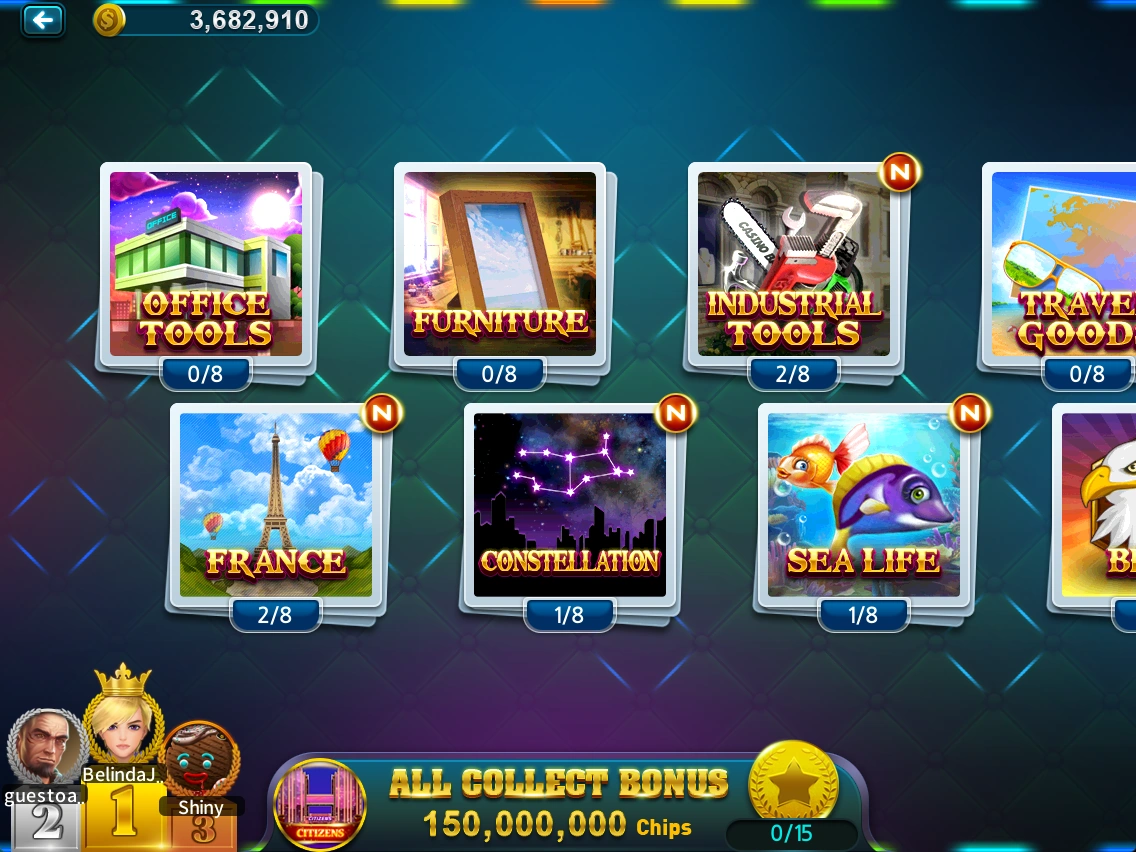
Collect seasonal hotel-themed vouchers. Each season has 15 categories with 8 vouchers each, for a total of 120.
- Select a hotel and season in HOTEL WORLD.
- Open a category to see collected and missing vouchers.
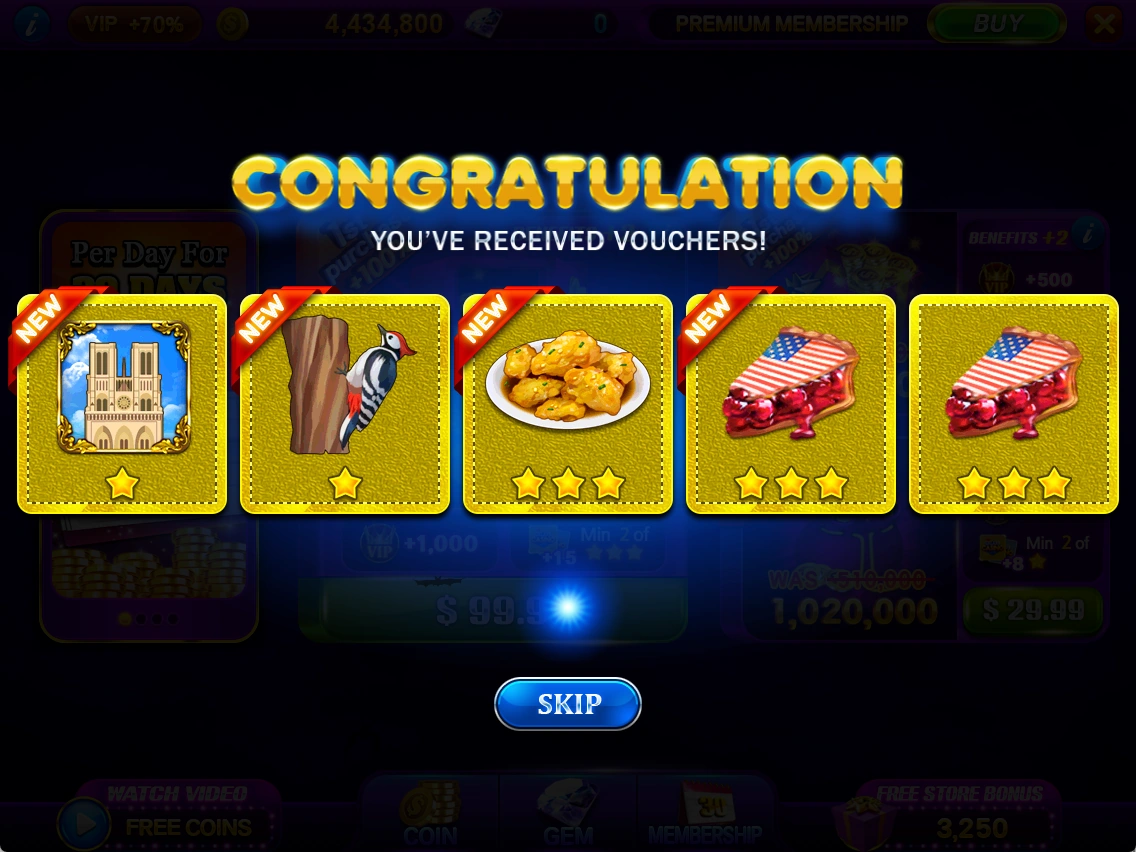
- Collect vouchers through purchases, slot play, bonus rewards and other sources.
- Check the reward conditions for completing categories, collecting designated vouchers and completing the whole collection.
Check the game screen for the current season's detailed conditions.
Reusing duplicate vouchers
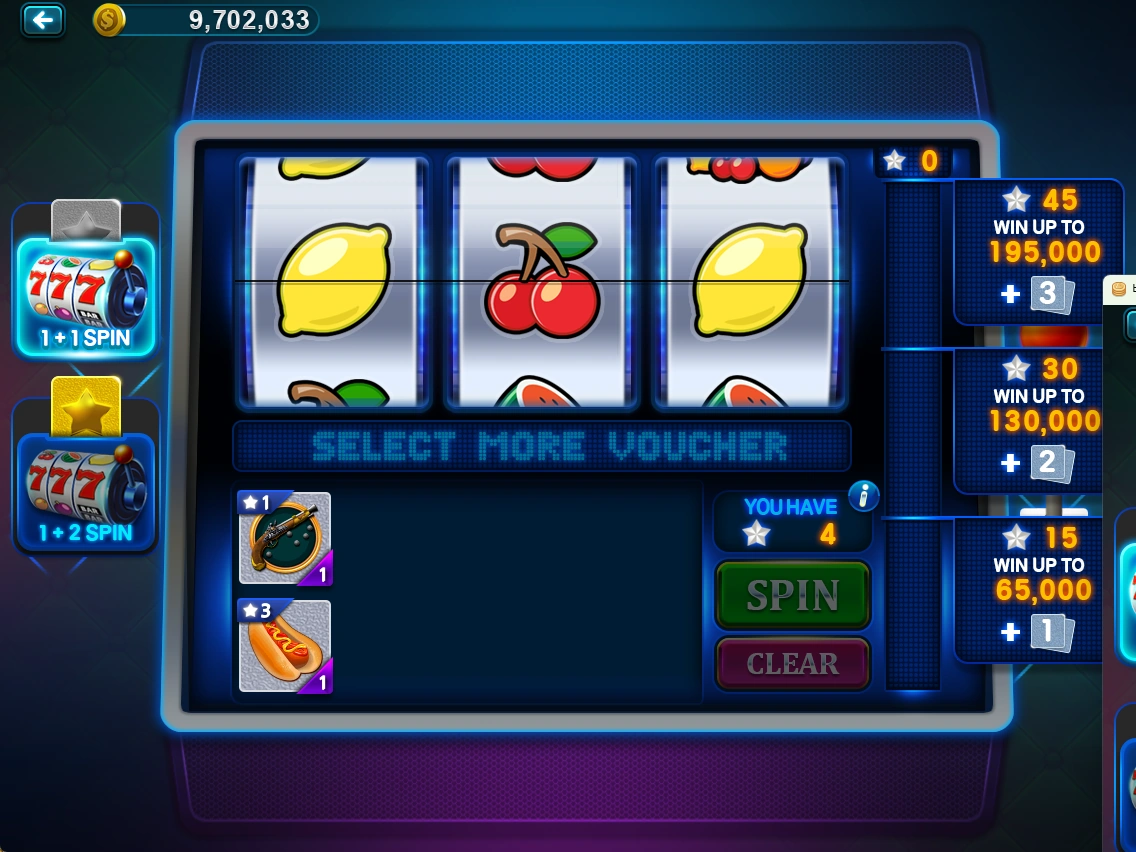
Use duplicate vouchers in Voucher Slot to receive chips or vouchers.
- Choose the silver or gold slot.
- Select duplicate vouchers to use, then check the required quantity and reward table.
- Proceed when SPIN becomes available. Use CLEAR to change your selection.
Piggy Bank
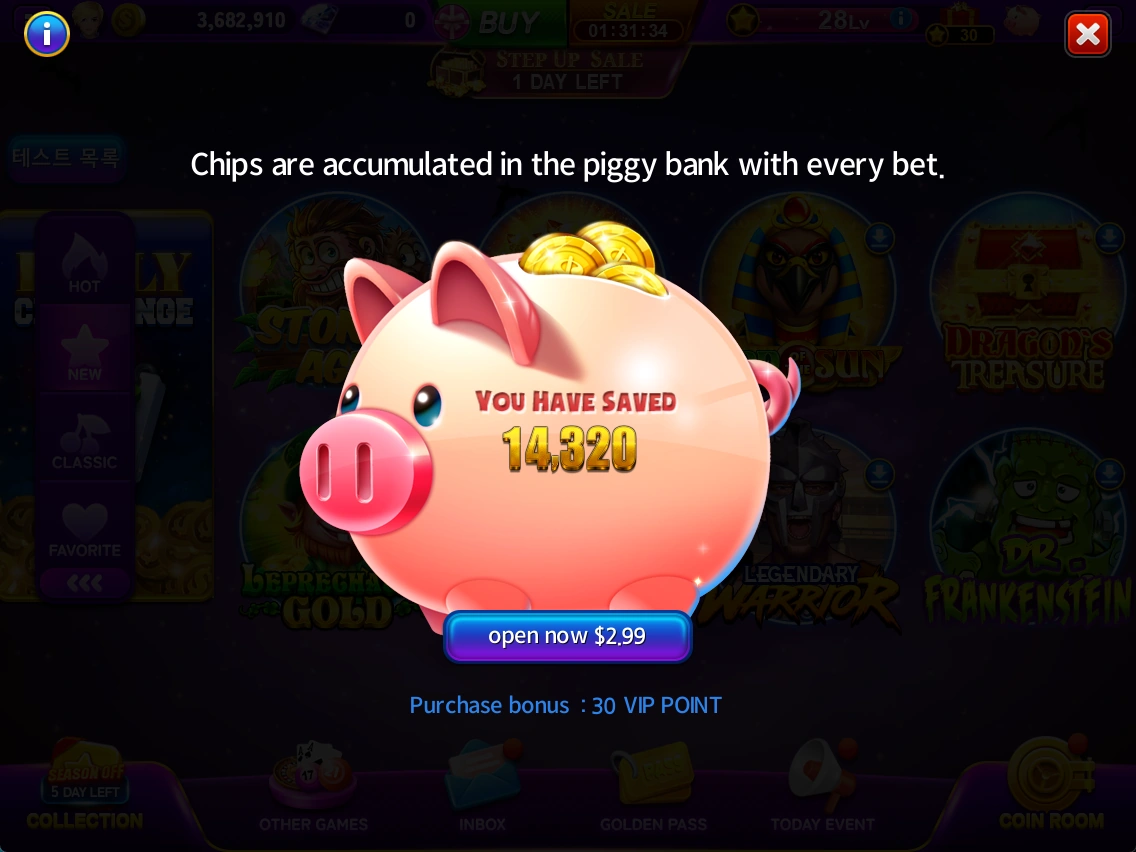
View the chips saved through play. Purchasing the Piggy Bank is required to receive the saved chips.
- Select the Piggy Bank icon in the lobby.
- Check the saved chips under YOU HAVE SAVED and the purchase price.
- Review the offer before deciding whether to buy.
Limited-time offers
Offer contents and availability periods vary by event. Check the displayed price and time remaining.
- Open an offer banner to compare chips, extra rewards and price.
- For STEP UP SALE, check each step's contents and locked status.
- Review the final contents of the offer you want before proceeding.
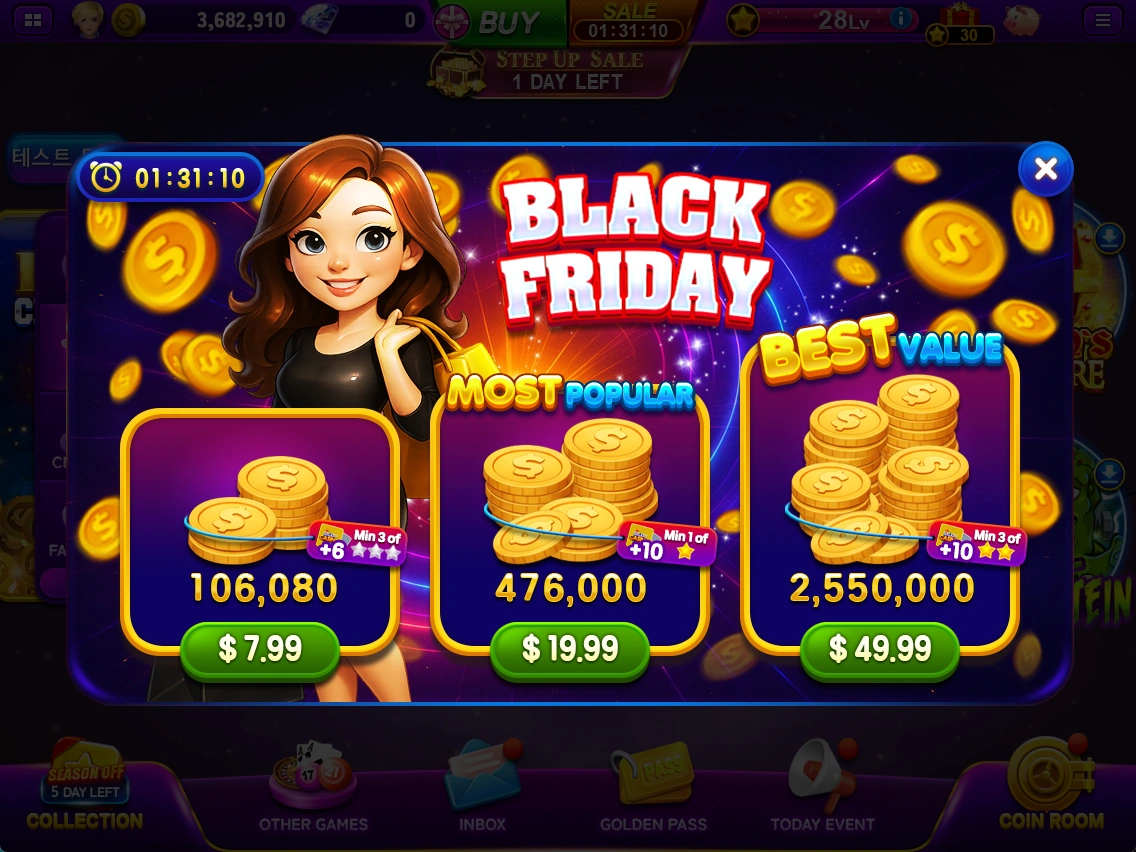
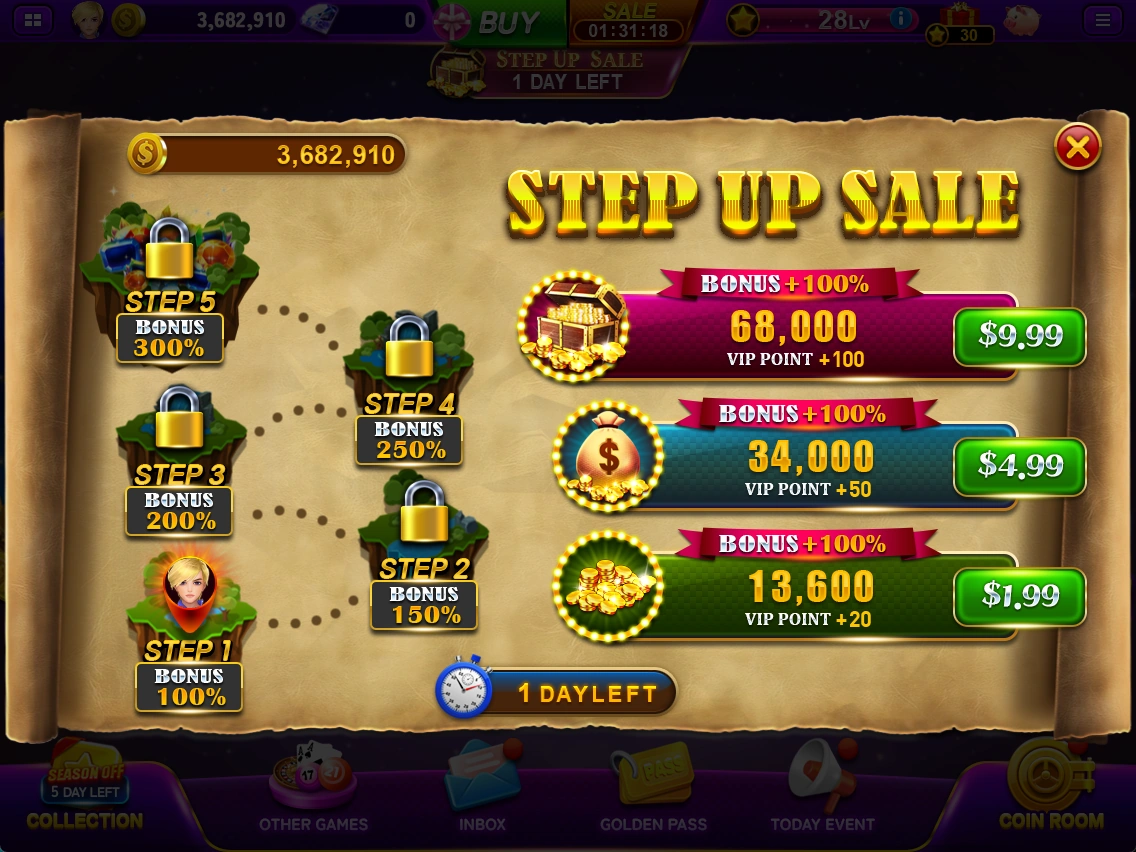
Screenshots were taken on October 21, 2026 and are examples. Check the latest in-game information for prices, balances, rewards and event conditions.
Button names match the English labels shown in the game.