
 Cash Bay SlotsGUIDE 05
Missions & events
Explore missions, passes, collections and current events.
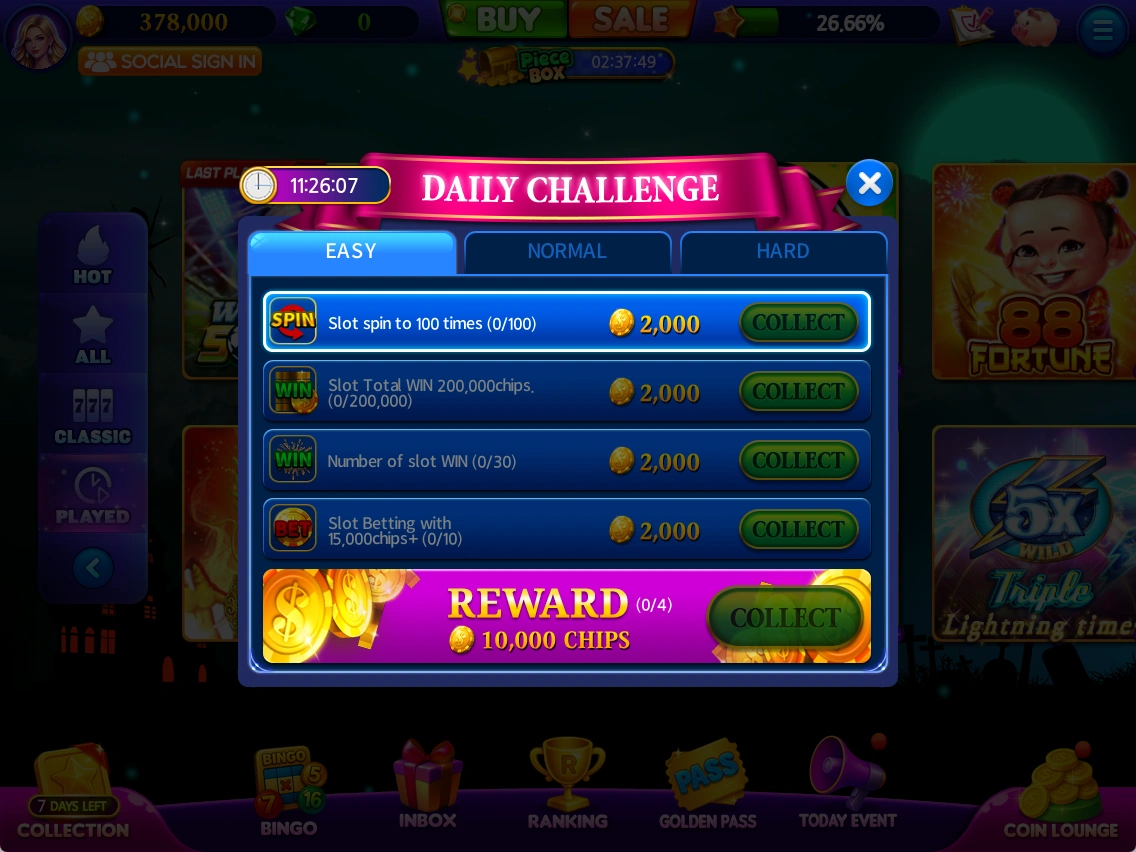
Daily Challenge
View missions that can be completed while playing slots and their rewards.
- Check each target and progress.
- Play according to the stated conditions.
- Check the claim button for completed missions.
Use the in-game mission conditions and remaining time.
 Enlarge ↗
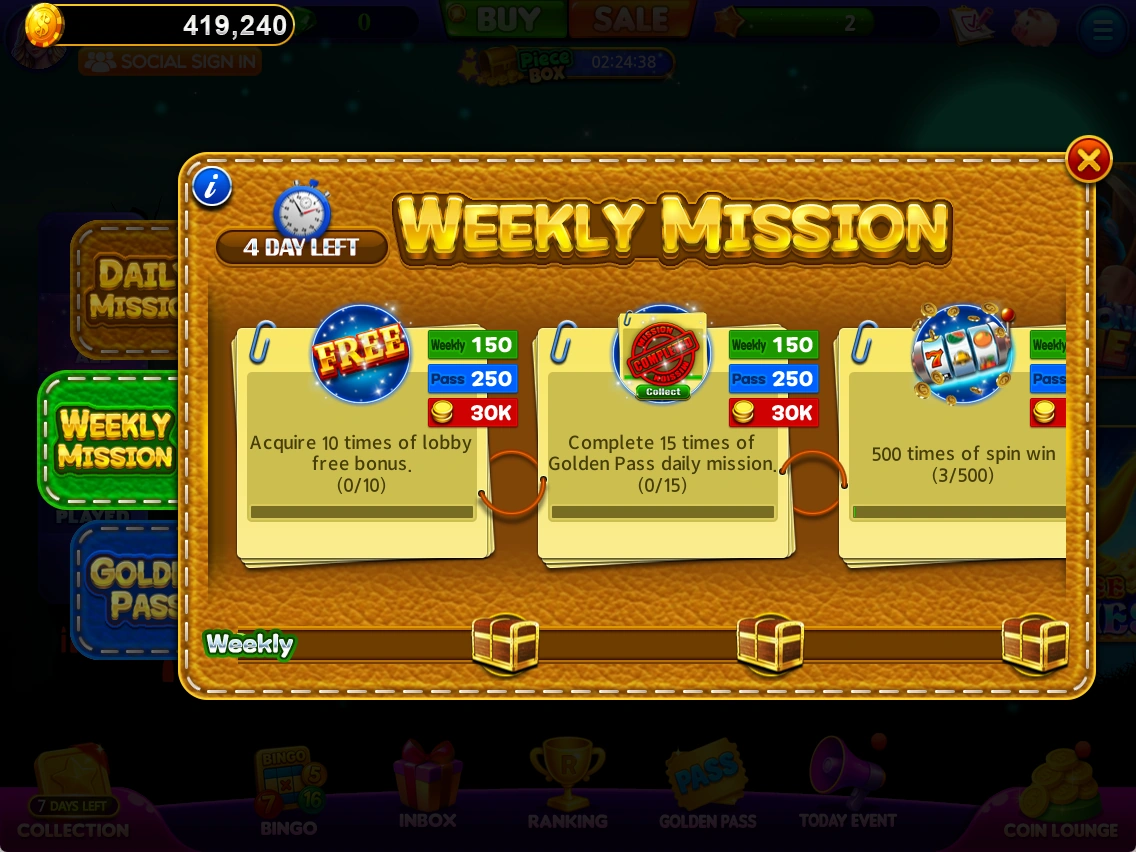
Golden Pass & weekly missions
The pass menu shows rewards for mission progress. The supplied screenshot shows the WEEKLY MISSION tab.
- Choose a pass or mission tab.
- Check targets and time remaining.
- Check which rewards can be claimed after completion.
Check each pass screen to distinguish free and paid rewards.
 Enlarge ↗
New-player rewards
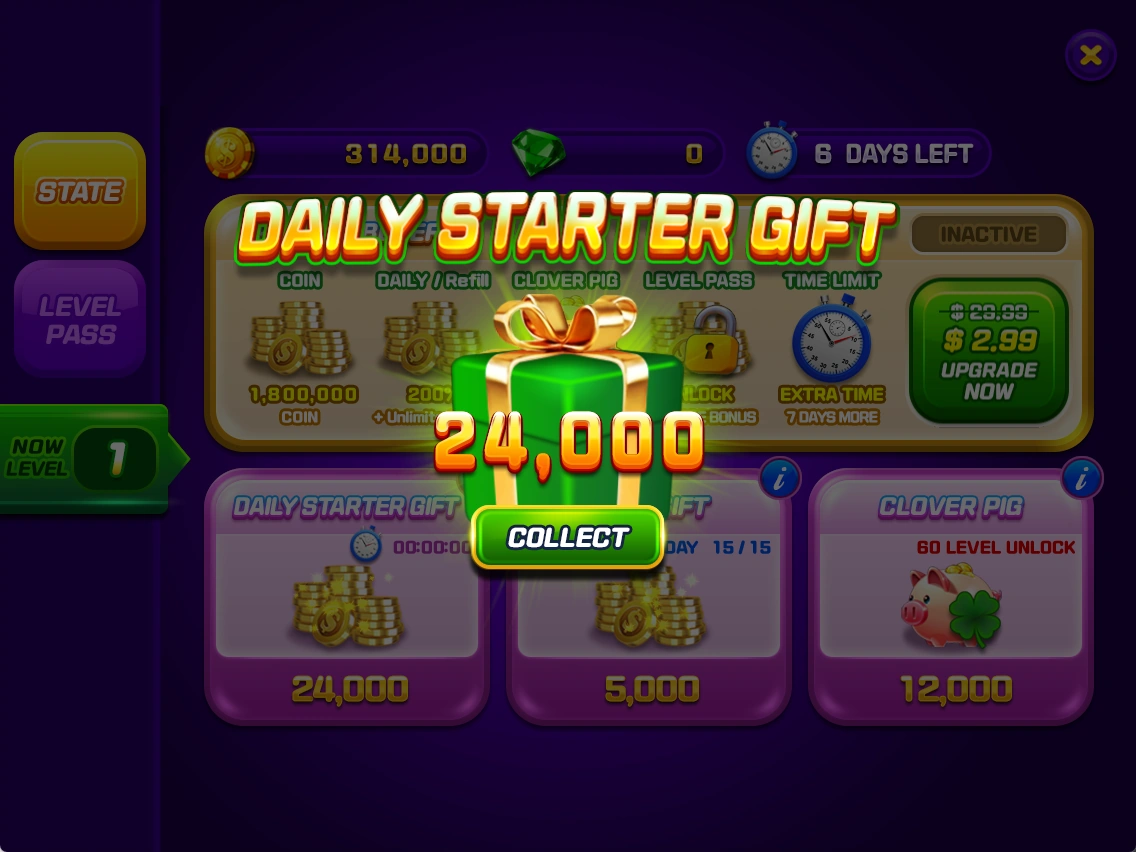
New players are shown starter passes and rewards. The screenshot shows a DAILY STARTER GIFT claim.
- Read the starter reward notice on first sign-in.
- Check pass progress and available rewards.
- Select COLLECT for an available reward.
The shown amount is an example and may vary with eligibility and progress.
 Enlarge ↗
Returning-player rewards
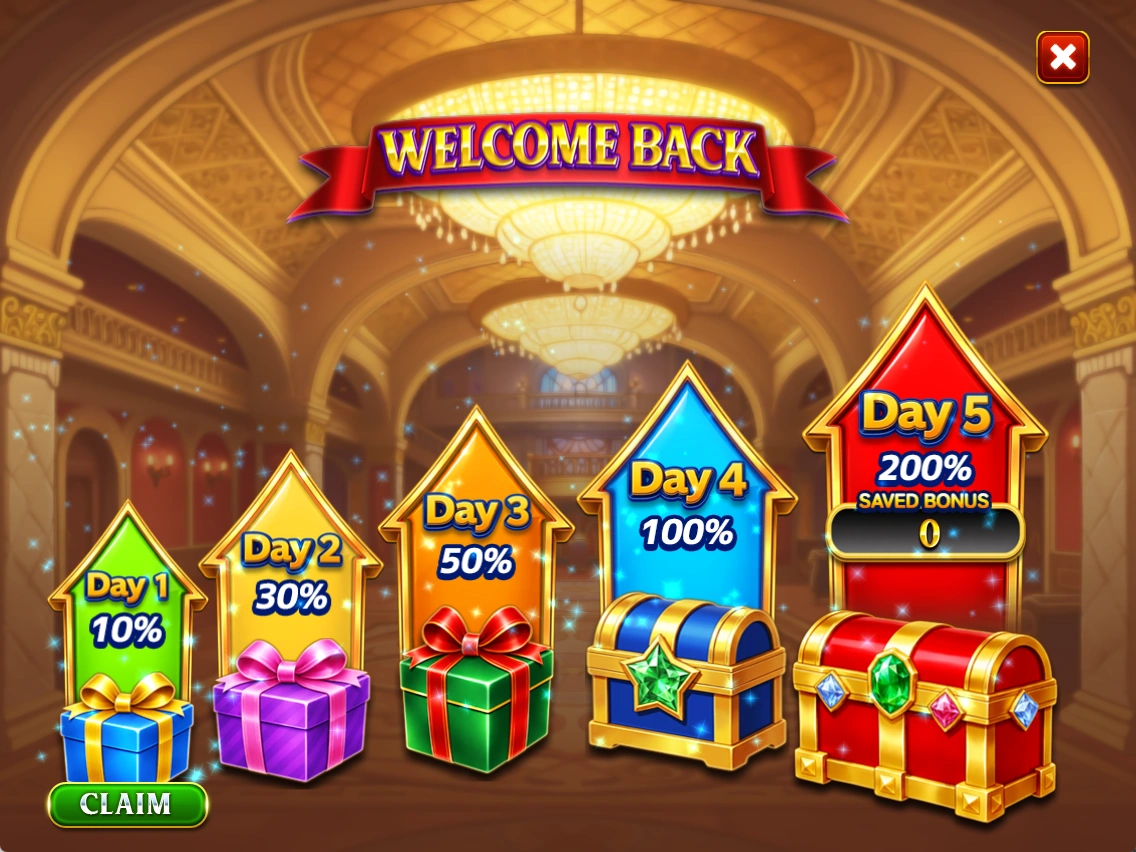
A bonus screen for returning players shows daily rewards and what is currently available.
- Check the current day and reward in WELCOME BACK.
- Select CLAIM for an available reward.
The inactivity period and eligibility criteria still need confirmation.
 Enlarge ↗
Collections & vouchers
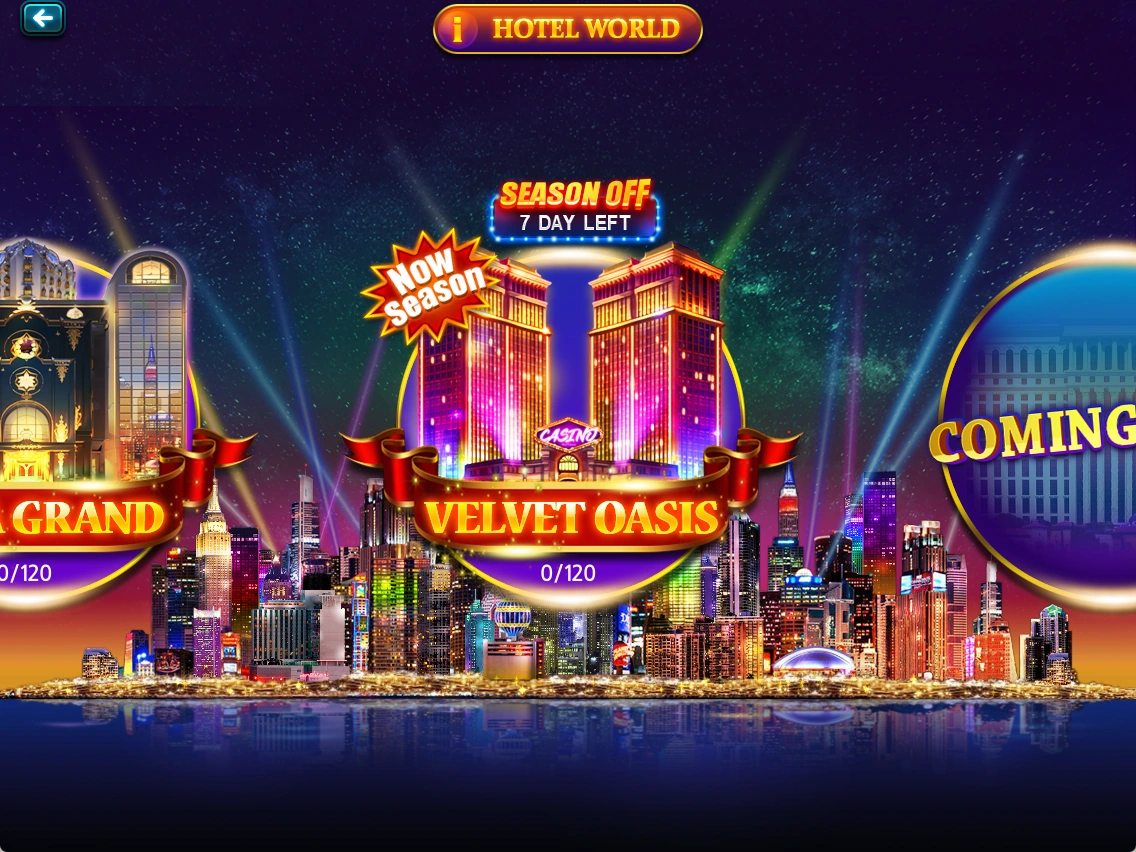
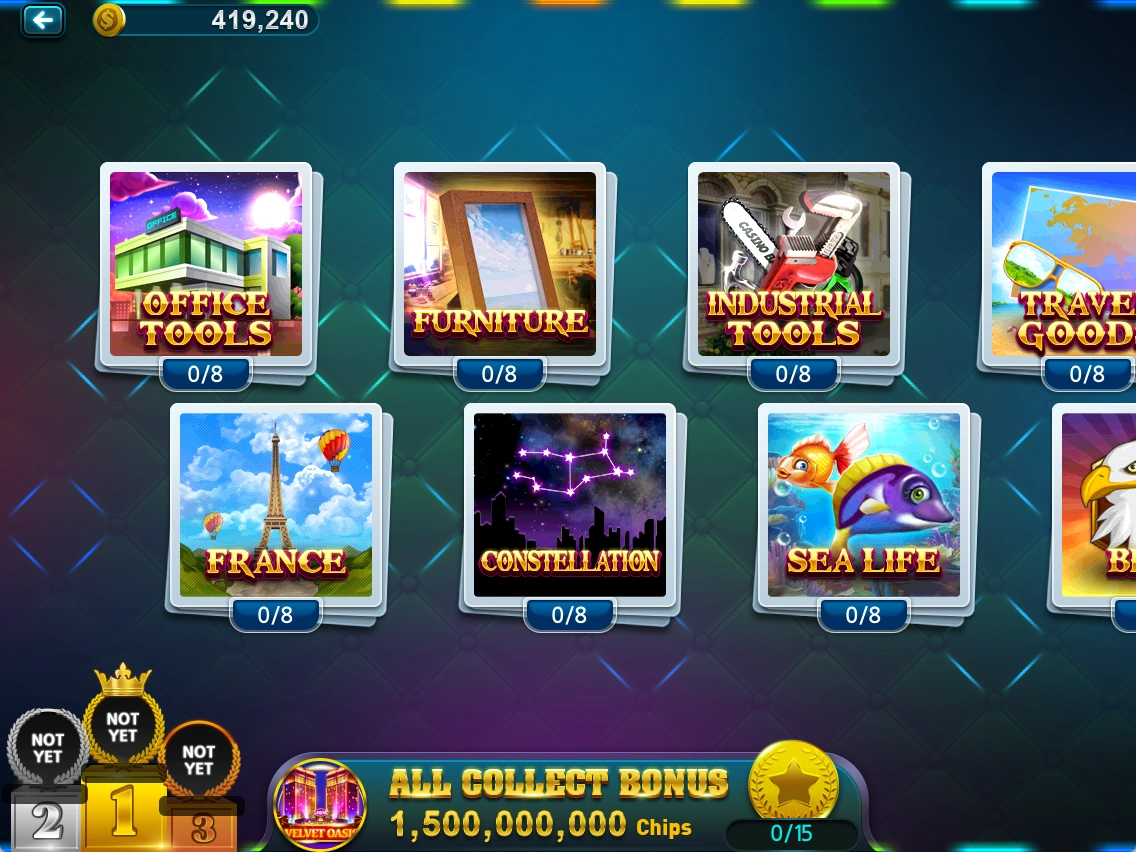
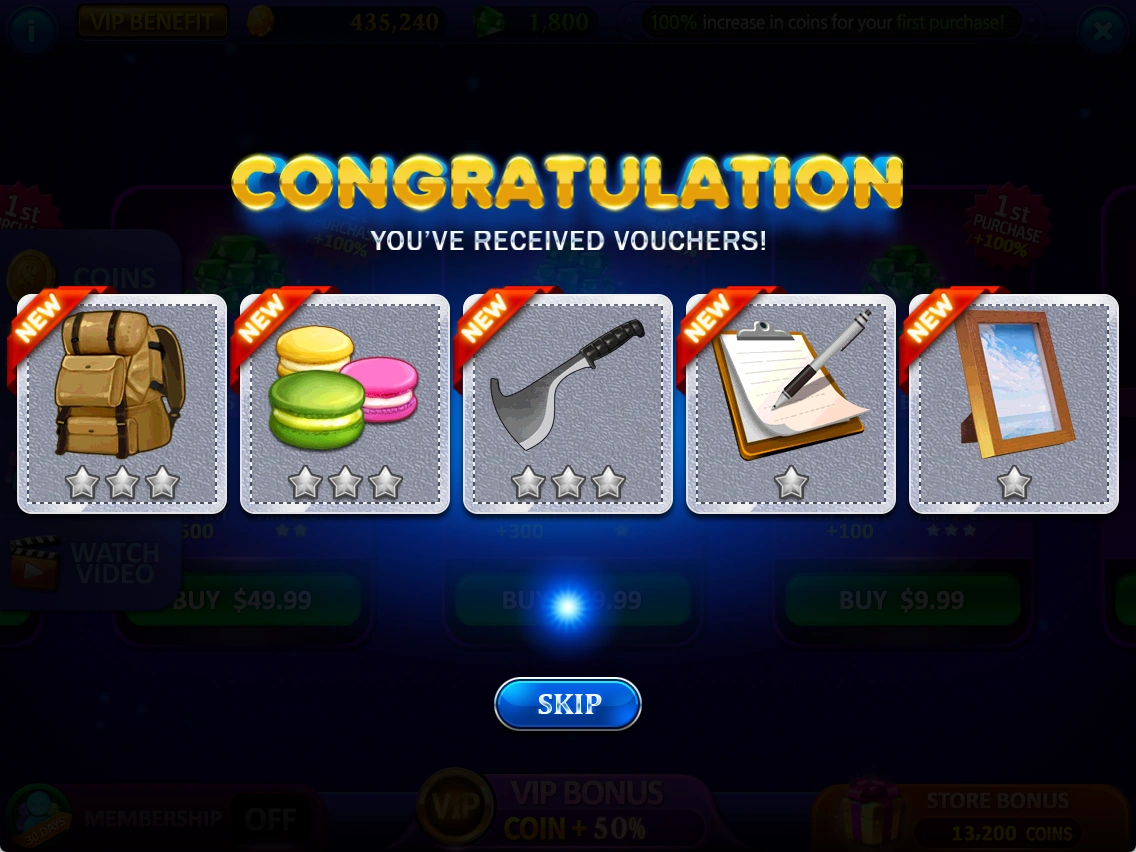
Collect vouchers obtained through activities such as play to complete collections.
- Choose a hotel in COLLECTION.
- Check how many vouchers you have and still need in each set.
- Review collection rewards and progress.
The notes describe random acquisition during purchases/play and collection rankings. Check the current season's conditions in the game.
Current events
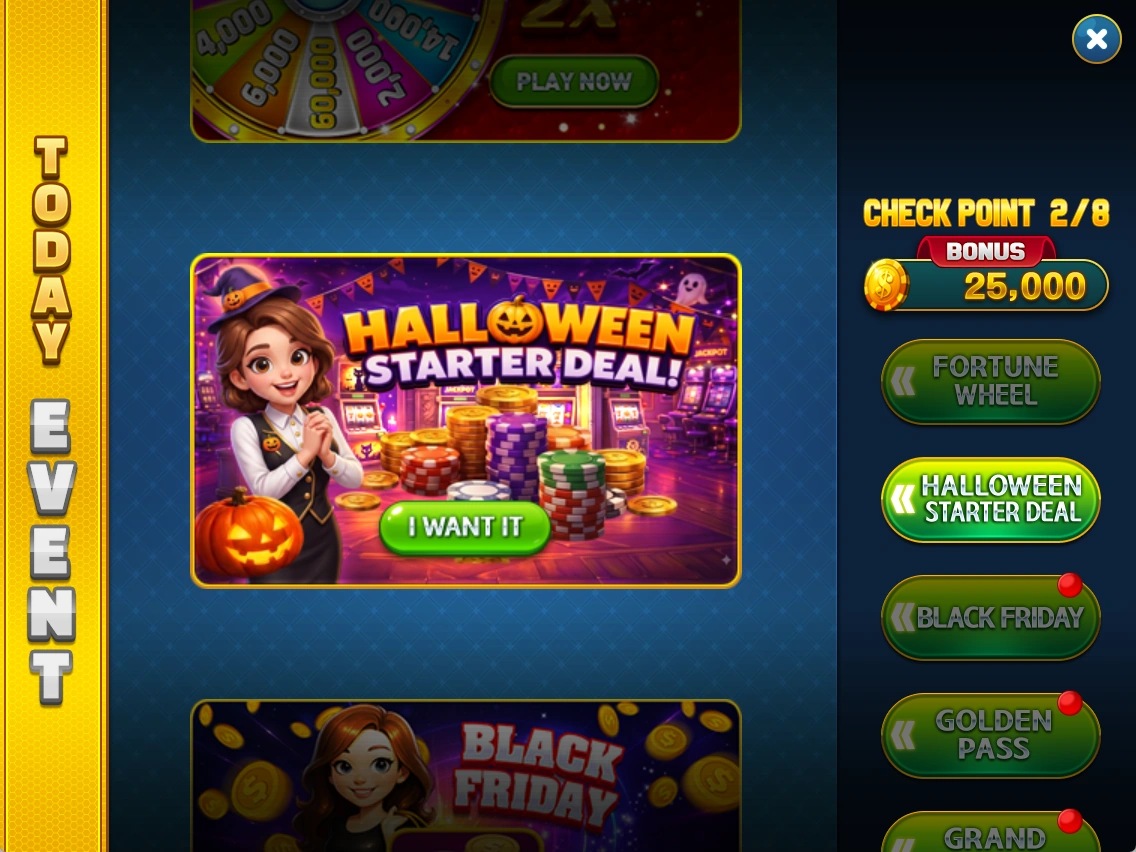
Browse current events and promotions in one place.
- Open the list in TODAY EVENT.
- Choose an item and read its duration and conditions.
Screenshots are examples from October 2026. The same events may not always be available.
 Enlarge ↗
Piggy Bank
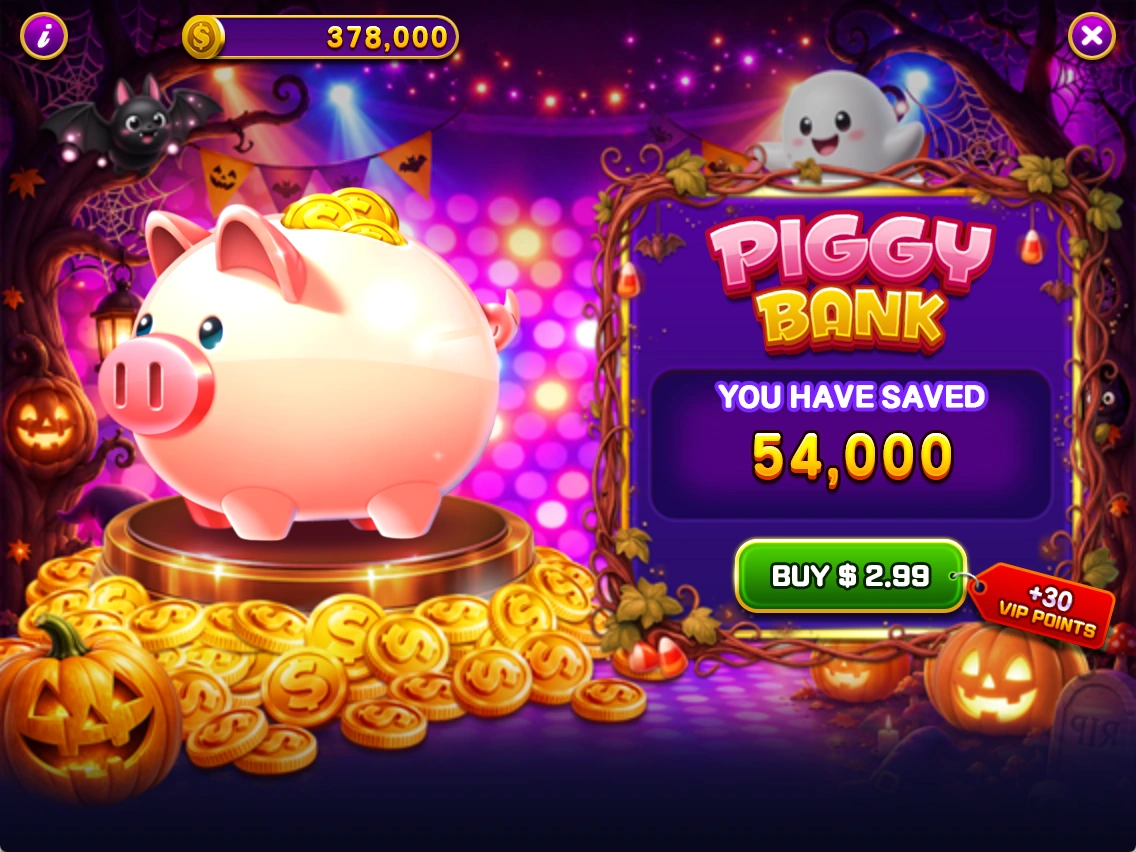
This screen shows saved Coins and purchase information. The screenshot includes a BUY button and a price.
- Check the amount under YOU HAVE SAVED.
- Read the price and contents on BUY before deciding to purchase.
A saved amount does not mean it can be claimed free.
Review note · Further verification needed
The exact entry point and accumulation rules require operations confirmation.
 Enlarge ↗
Special offers
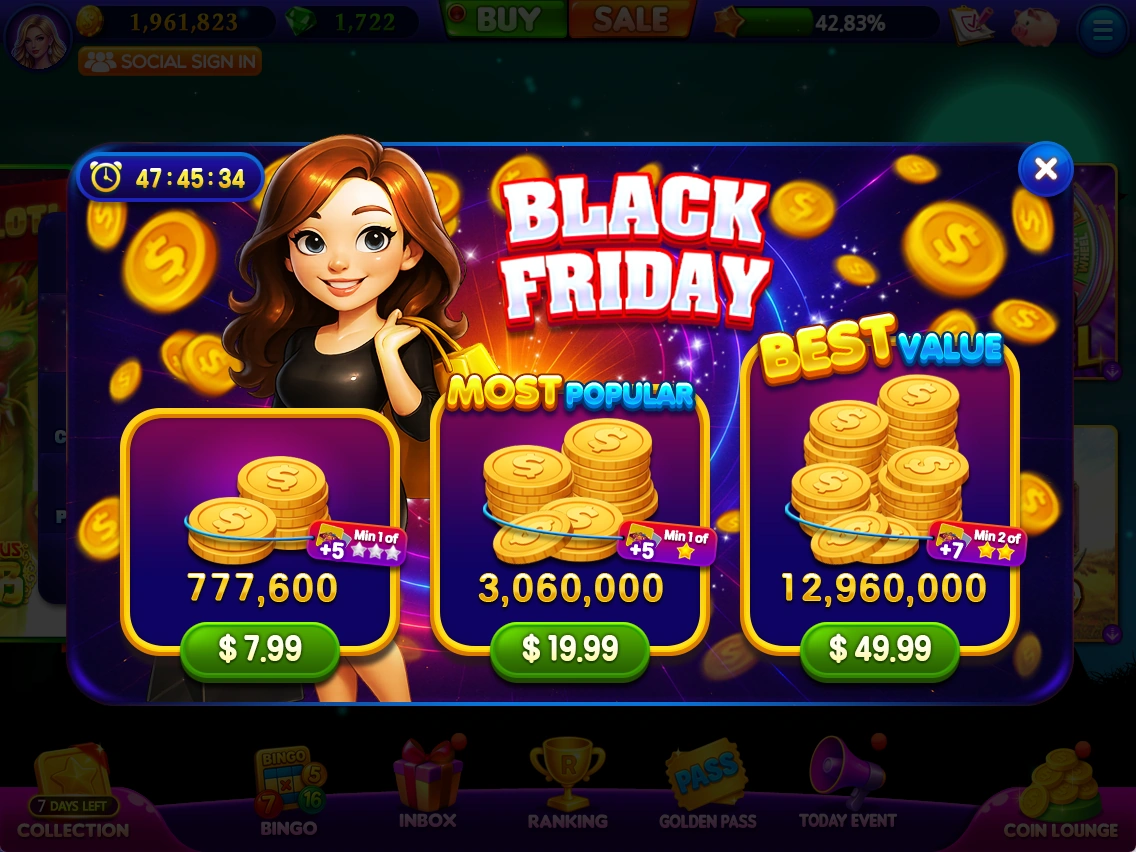
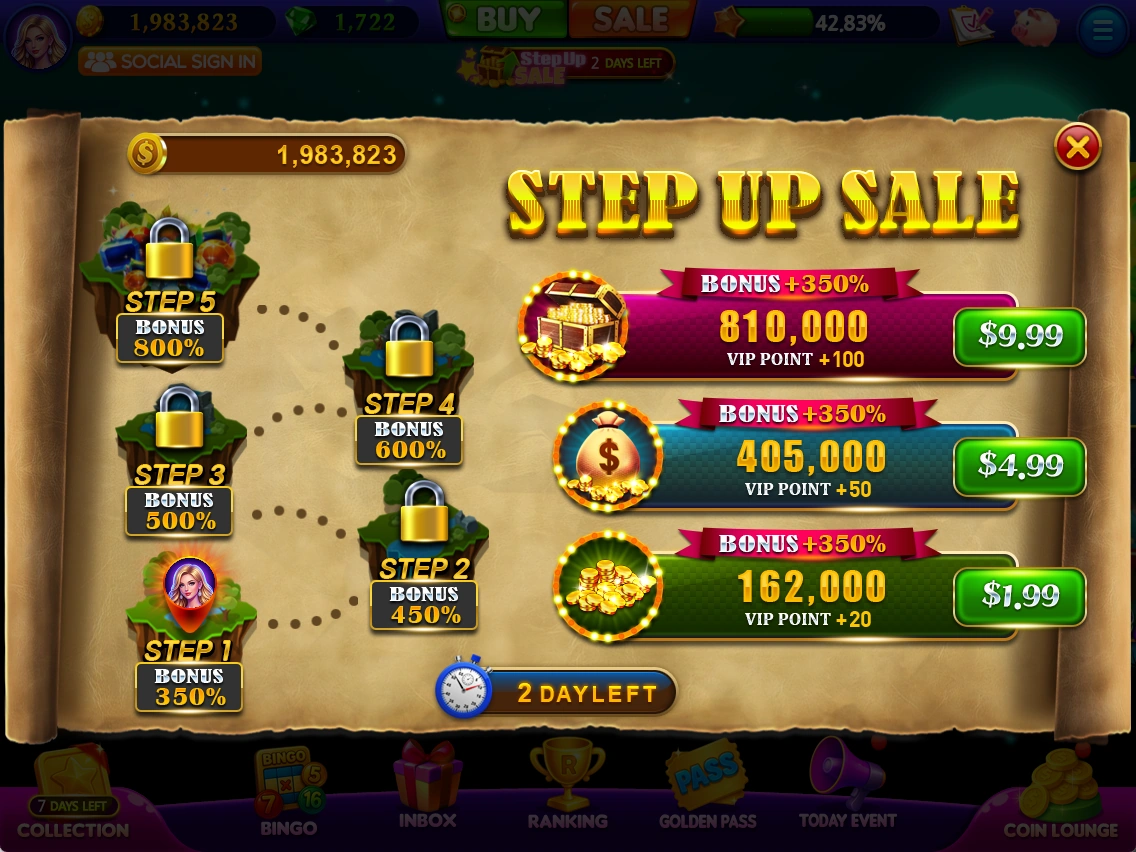
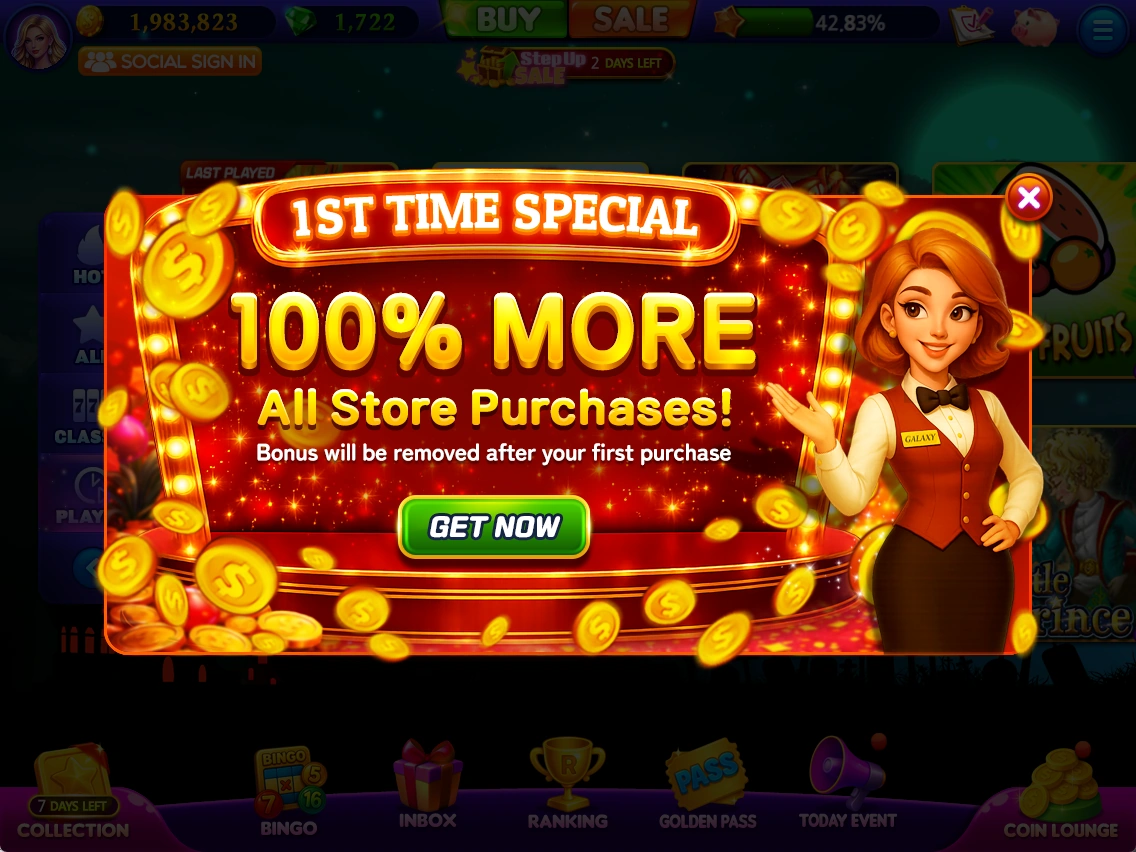
The game may show limited-time offers or first-purchase promotions.
- Read the contents, price and conditions.
- Check the remaining time and any step-by-step conditions before deciding.
Screenshot prices and bonus percentages do not guarantee current offers.
Based on supplied notes and captures from October 19–20, 2026. Prices, balances and rewards shown are examples. Check the latest in-game notices for events and conditions.
Button labels in screenshots retain the original English UI.