
Cash Bay Slots / GUIDE 01
Getting started & lobby
Find games and learn where to access common features.
01.01
Lobby overview
Where to find it · Enter the game → Lobby
Choose a slot or open Bingo, missions and bonus features from the lobby. English button labels are retained to match the game screens.
- Use the tabs on the left to choose a slot list.
- Click a slot image in the center to enter the game.
- Use the bottom menu for COLLECTION, BINGO, INBOX, RANKING, GOLDEN PASS, TODAY EVENT and COIN LOUNGE.
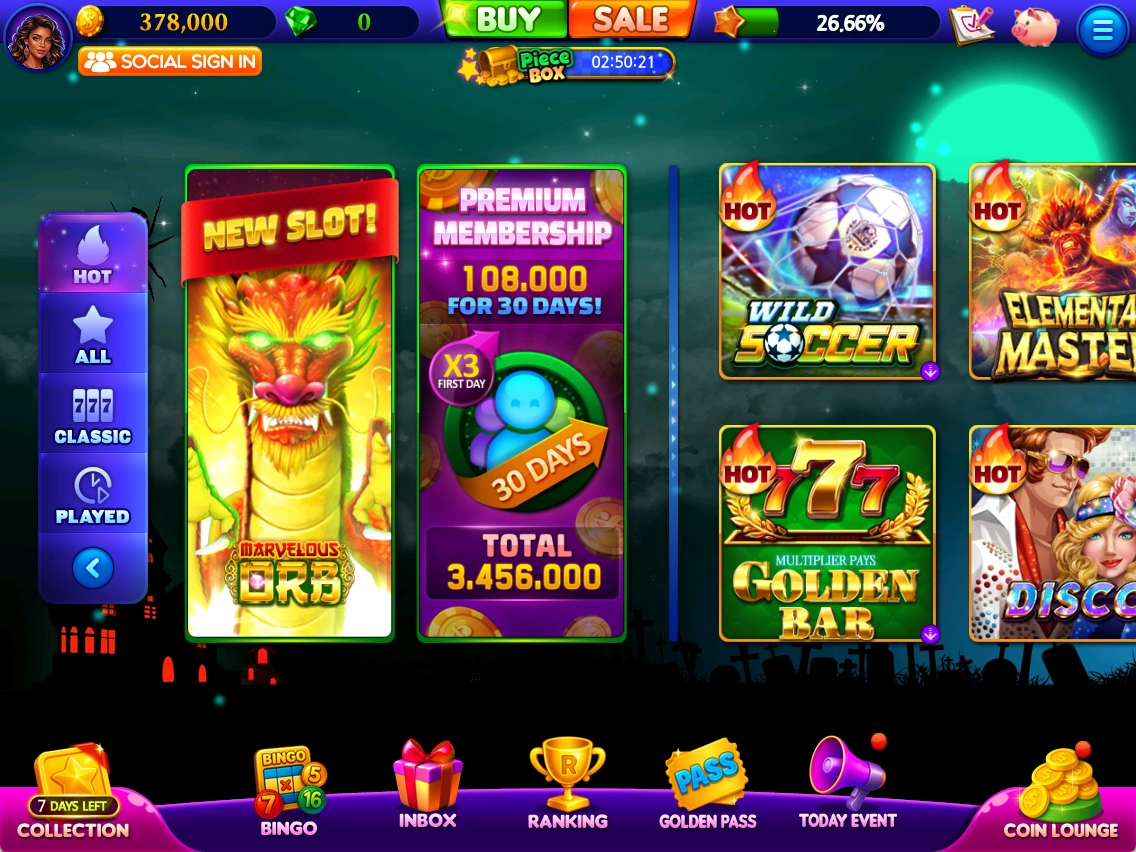 Enlarge ↗
01.02
Slot lists & recently played
Where to find it · Lobby → Left-hand tabs
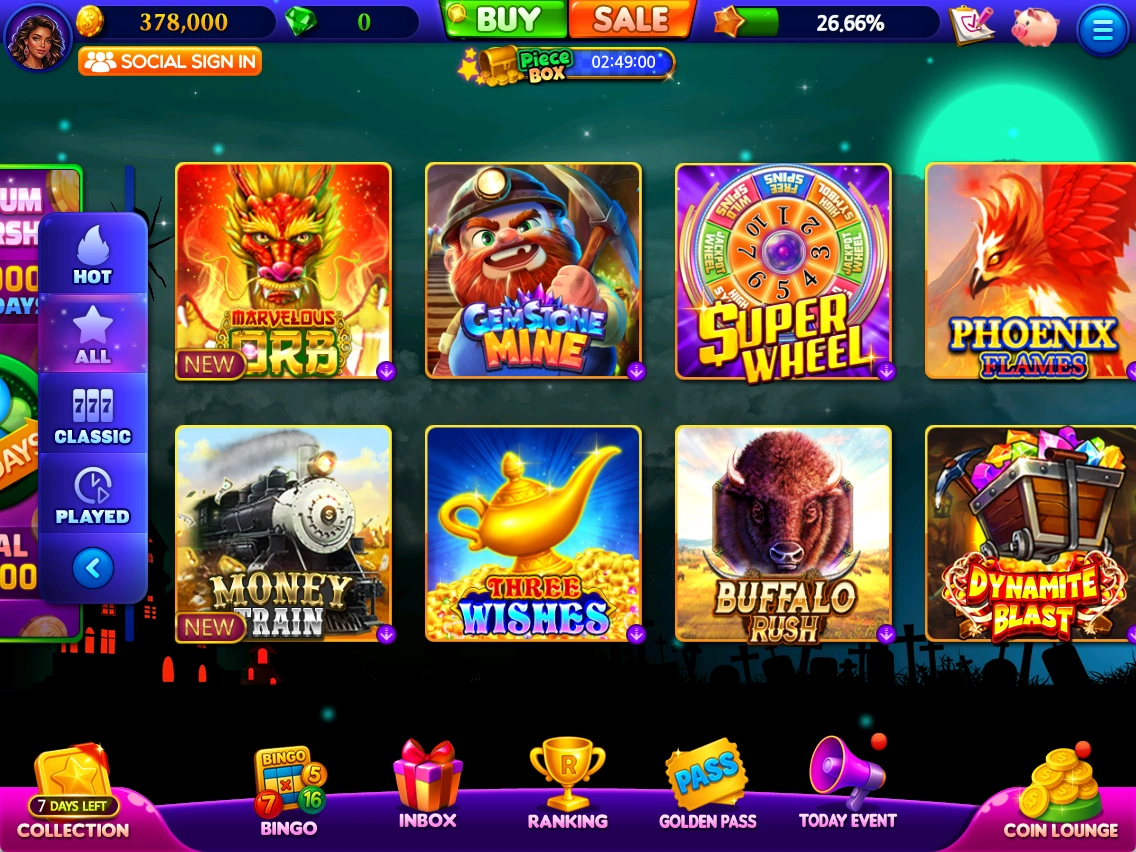
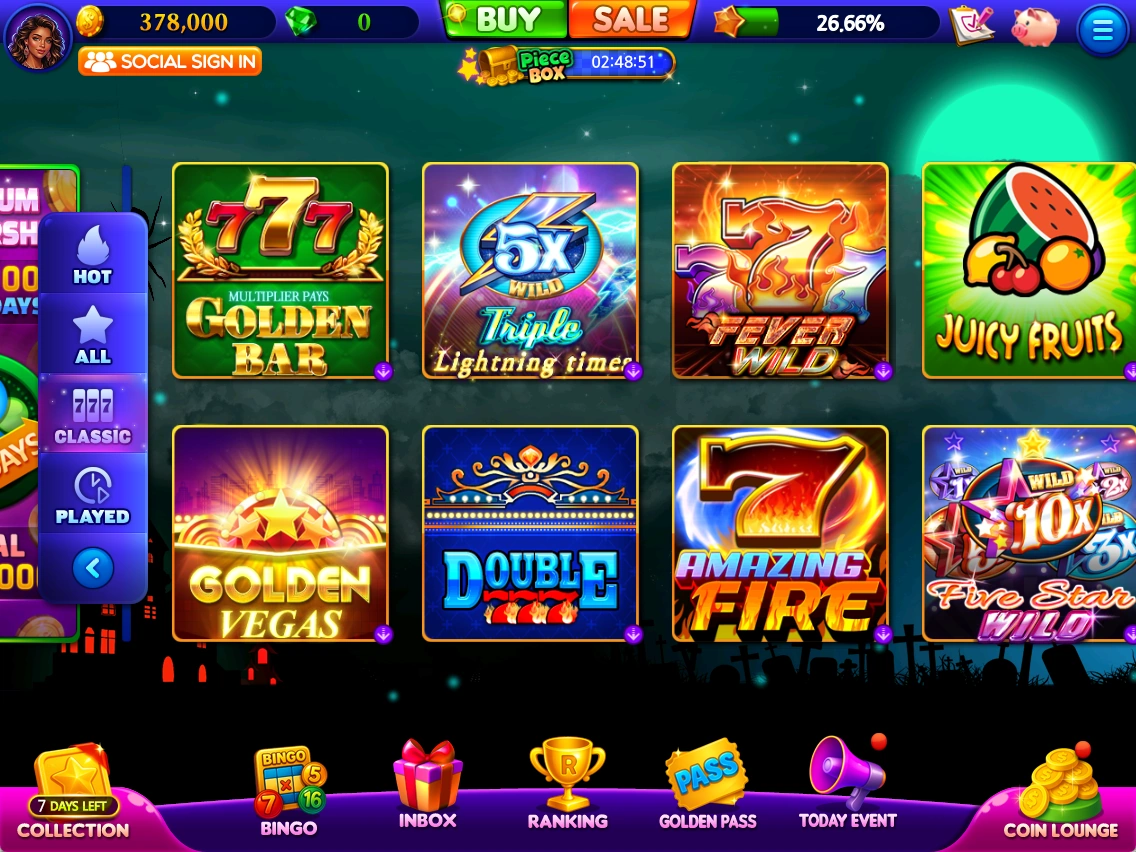
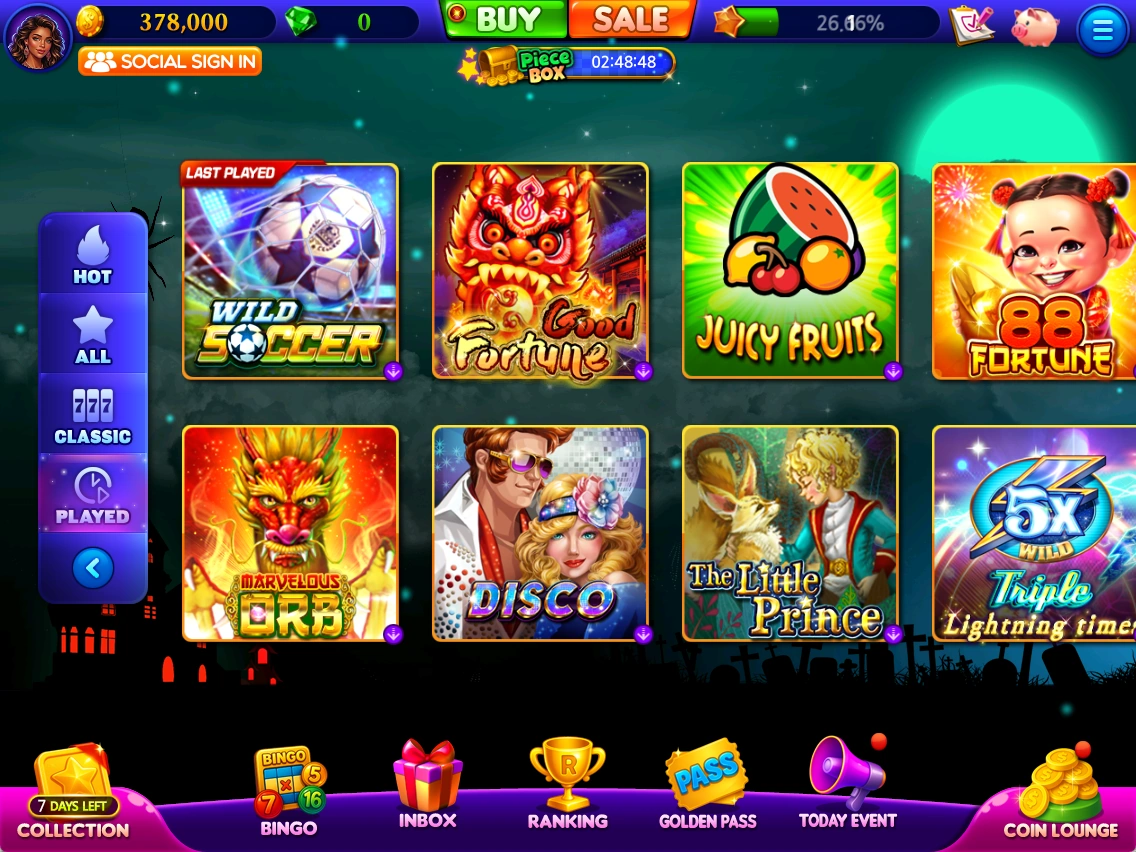
Switch between HOT, ALL, CLASSIC and PLAYED to browse slots.
- HOT: browse slots marked HOT.
- ALL: view the full slot list.
- CLASSIC: browse classic slots.
- PLAYED: find LAST PLAYED and recently played slots. The supplied notes specify the latest 16.
Based on supplied notes and captures from October 19–20, 2026. Prices, balances and rewards shown are examples. Check the latest in-game notices for events and conditions.
Button labels in screenshots retain the original English UI.